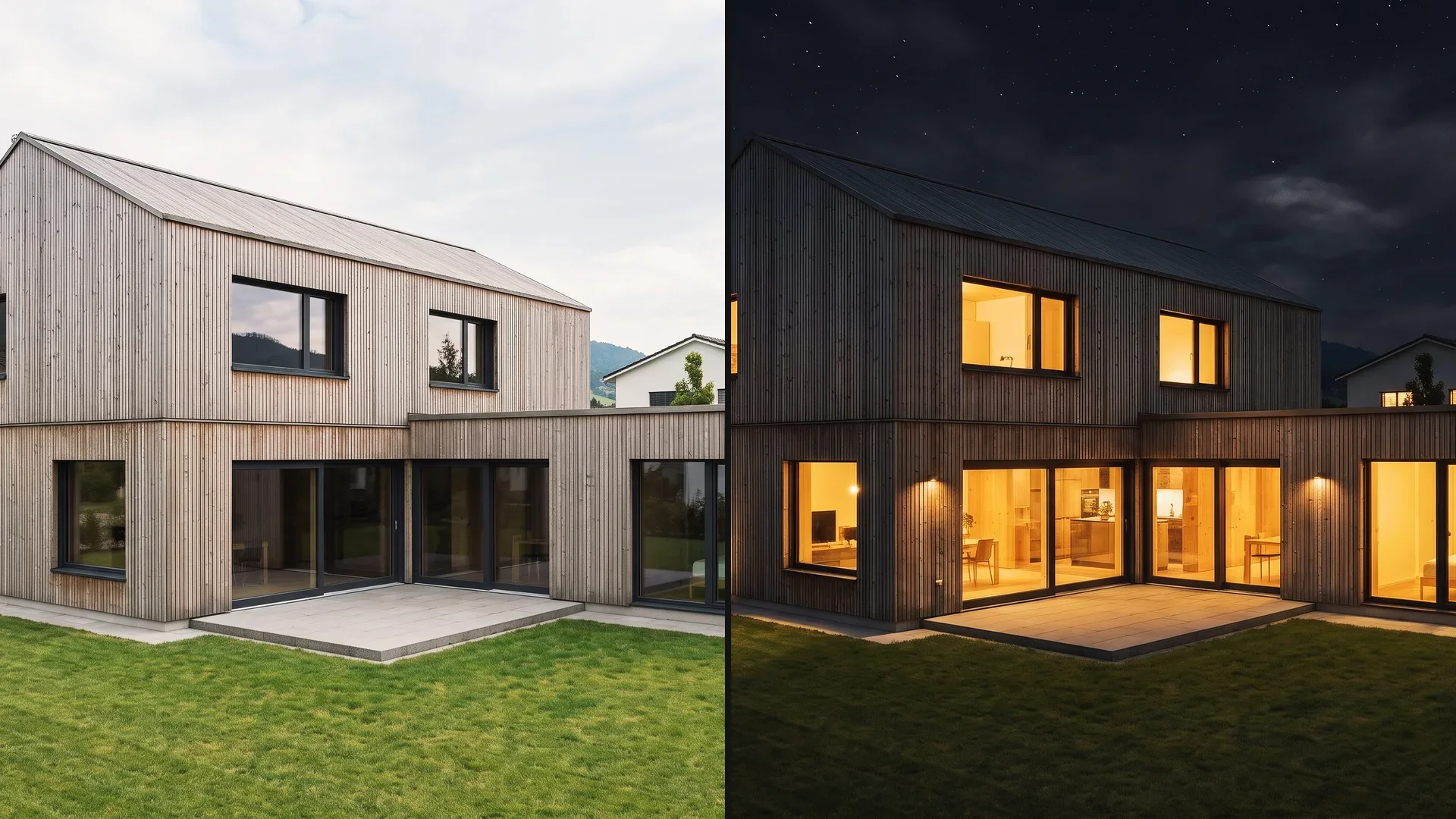
Times of day: exterior visualization
Turn a daytime photo into a night shot with the Night template under Environment, without writing anything yourself.
- Level
- Einstieg
- Starting point
- Foto
- Features
- Generieren, Umgebung
- Length
- 1:13
What you learn in this video.
Under Environment you choose the Night template, and the description is filled in automatically. The result shows the same house at night with warmly lit windows. For another mood, start again from the original photo.
Times of day in 6 steps.
This is how it goes in the video – in the same order in your account.
Input and result.
Input, reference and result in full resolution. Click an image to open it full size.
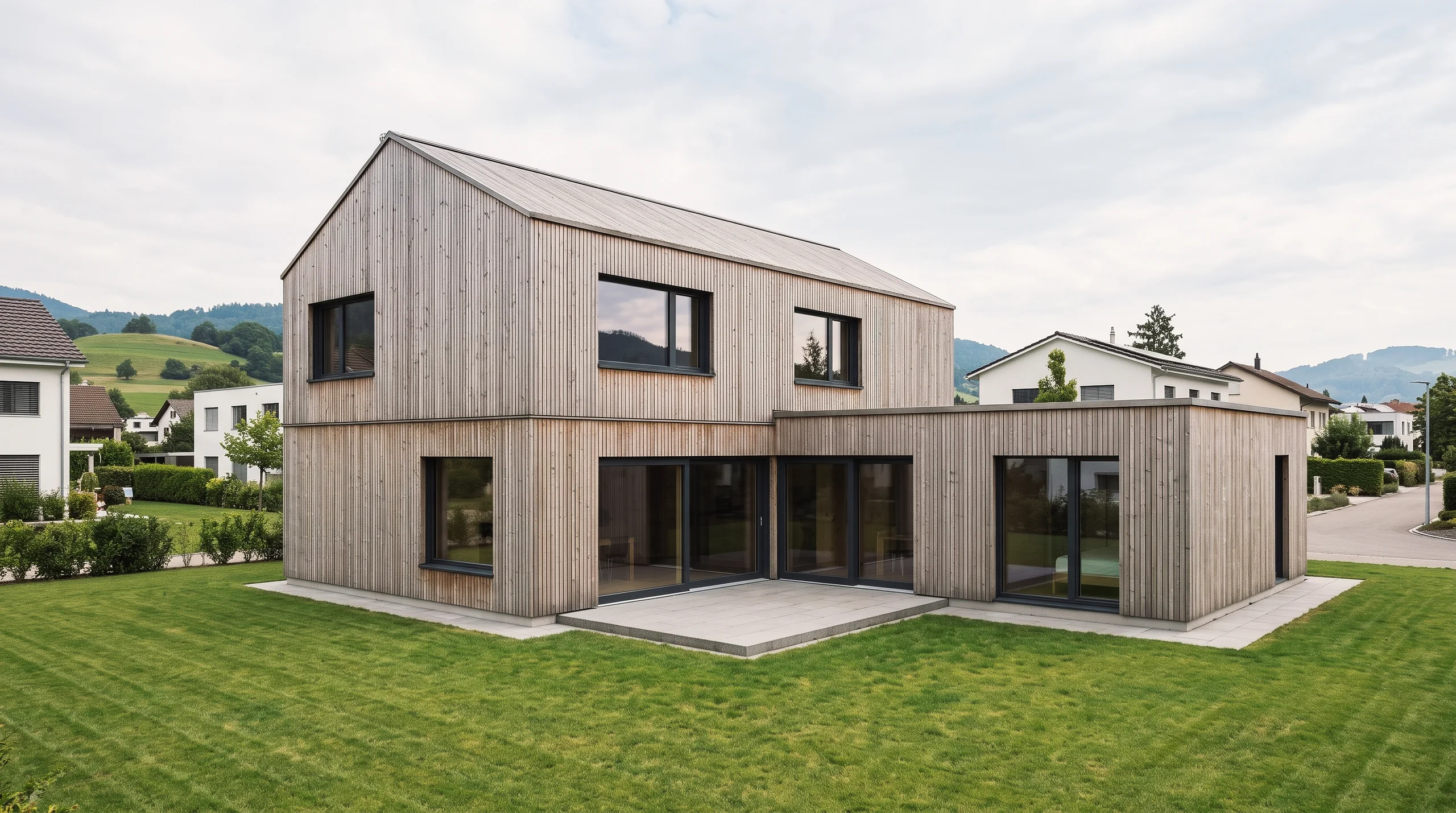
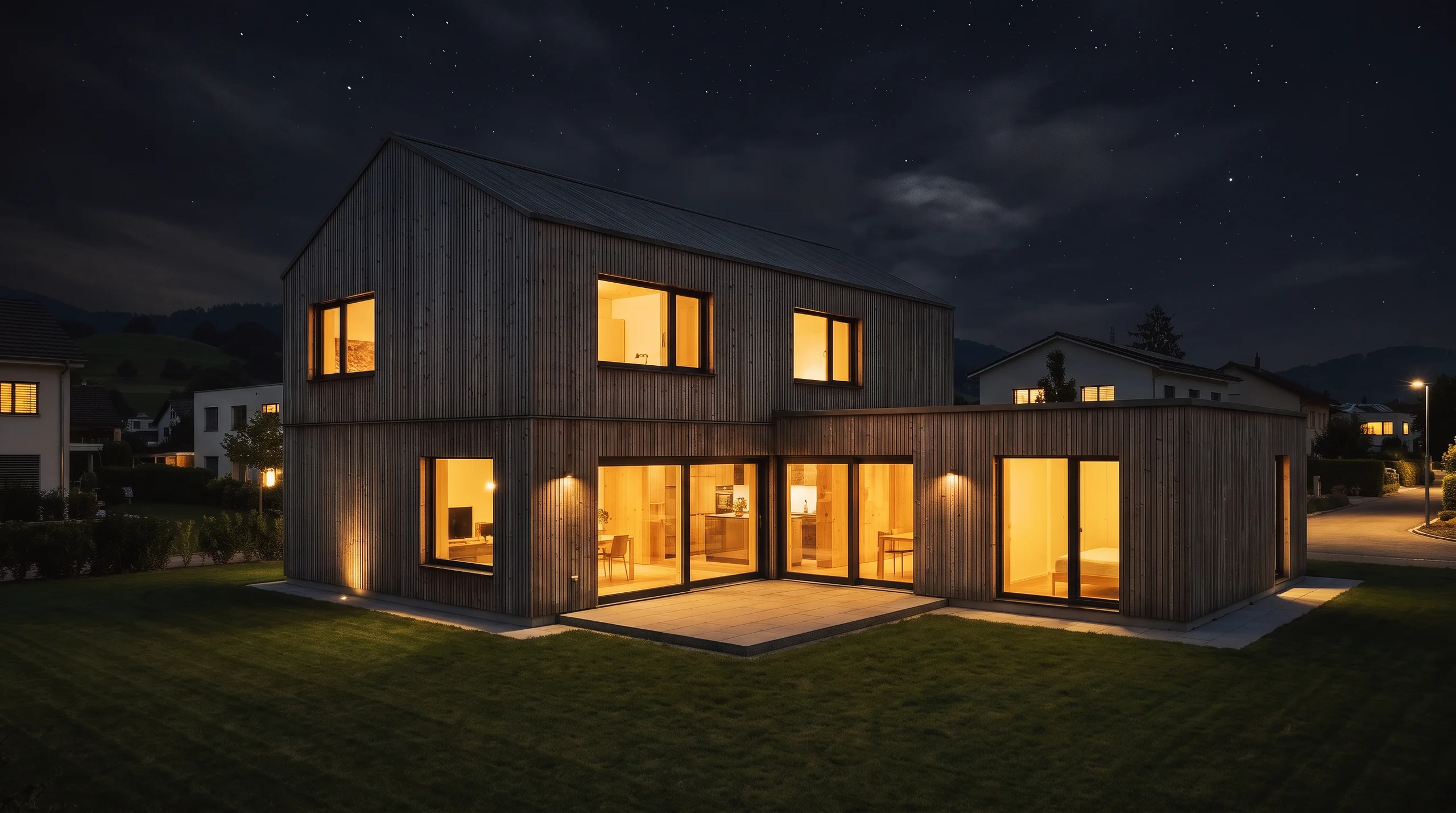
Prompt for times of day.
Entered exactly like this. Copy it and adjust the location, house and material.
Change daytime to night
The Night template under Environment fills in this text automatically; nothing is typed.
Tips for better results.
Under Environment you do not have to write anything: the template fills in the matching description automatically.
For another mood, start again from the original photo. Each further edit builds on the last image, and with each step the quality can drop slightly.
TranscriptTranslated from the German voiceover. click a timestamp to start the video there
Questions about times of day.
Upload the photo, open Environment and choose the Night template. The description is filled in automatically. After you click Generate, the image shows the same house at night.
Related videos and features.
The feature in detail and the next videos.
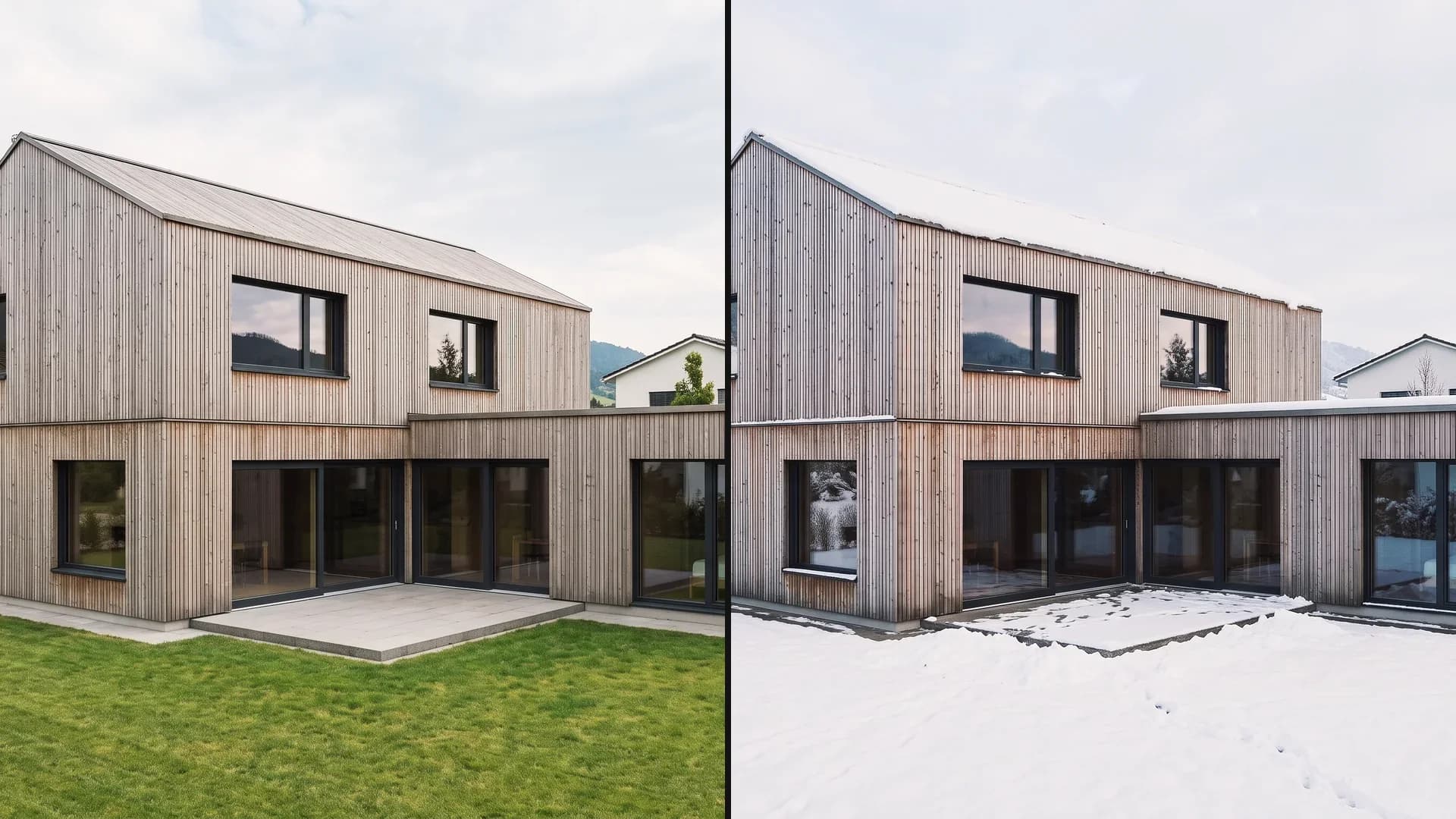
Seasons: exterior visualization
Move a photo into a different season with the Winter template under Environment, without writing anything yourself.
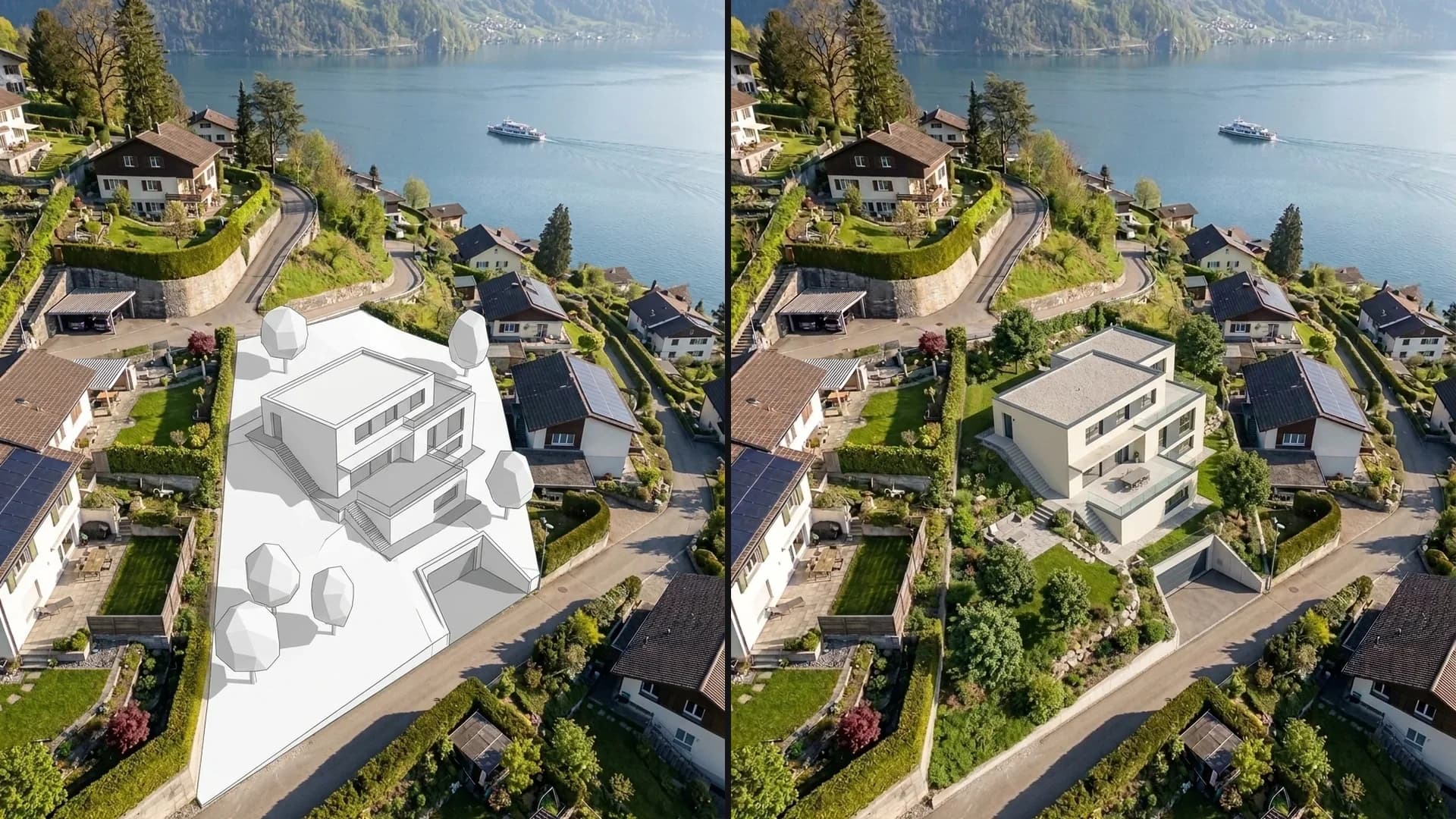
Place a new building in a photo
Turn a white massing block in a photo of the real surroundings into a finished house, while the surroundings and perspective stay the same.
Remove objects from a photo
Remove objects from a photo: once with a short description, once without text using Edit and Remove.