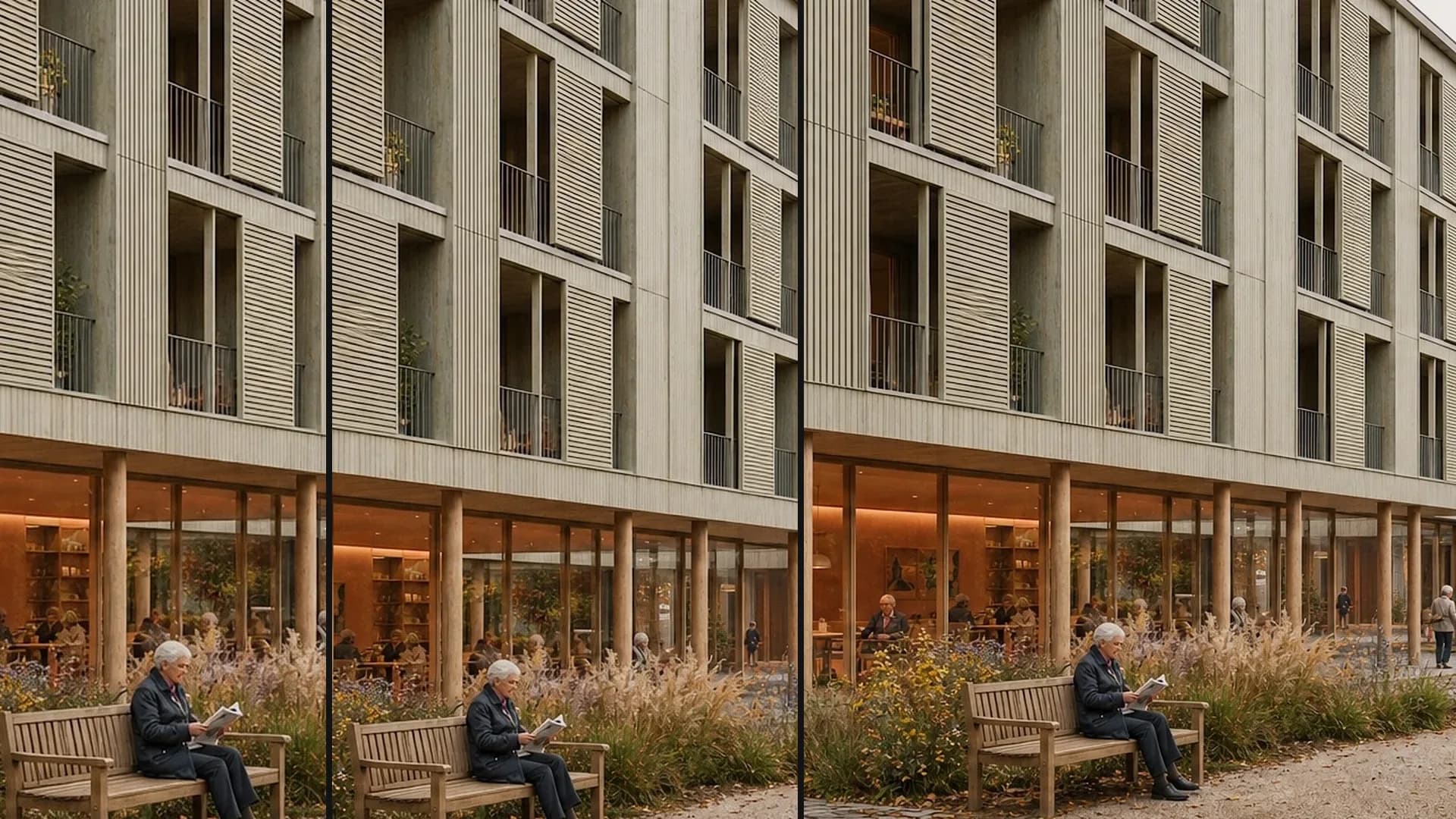
Mask an area: change the facade
In the Edit area, mark part of the facade with Mask and change it to timber cladding using a reference image.
- Level
- Fortgeschritten
- Starting point
- Rendering
- Features
- Bearbeiten, Maskieren, Referenzbild
- Length
- 1:12
What you learn in this video.
Under Edit, use Mask to mark only the part of the facade that should change. With a reference image, this part gets timber cladding; everything else stays as it was.
Mask an area in 6 steps.
This is how it goes in the video – in the same order in your account.
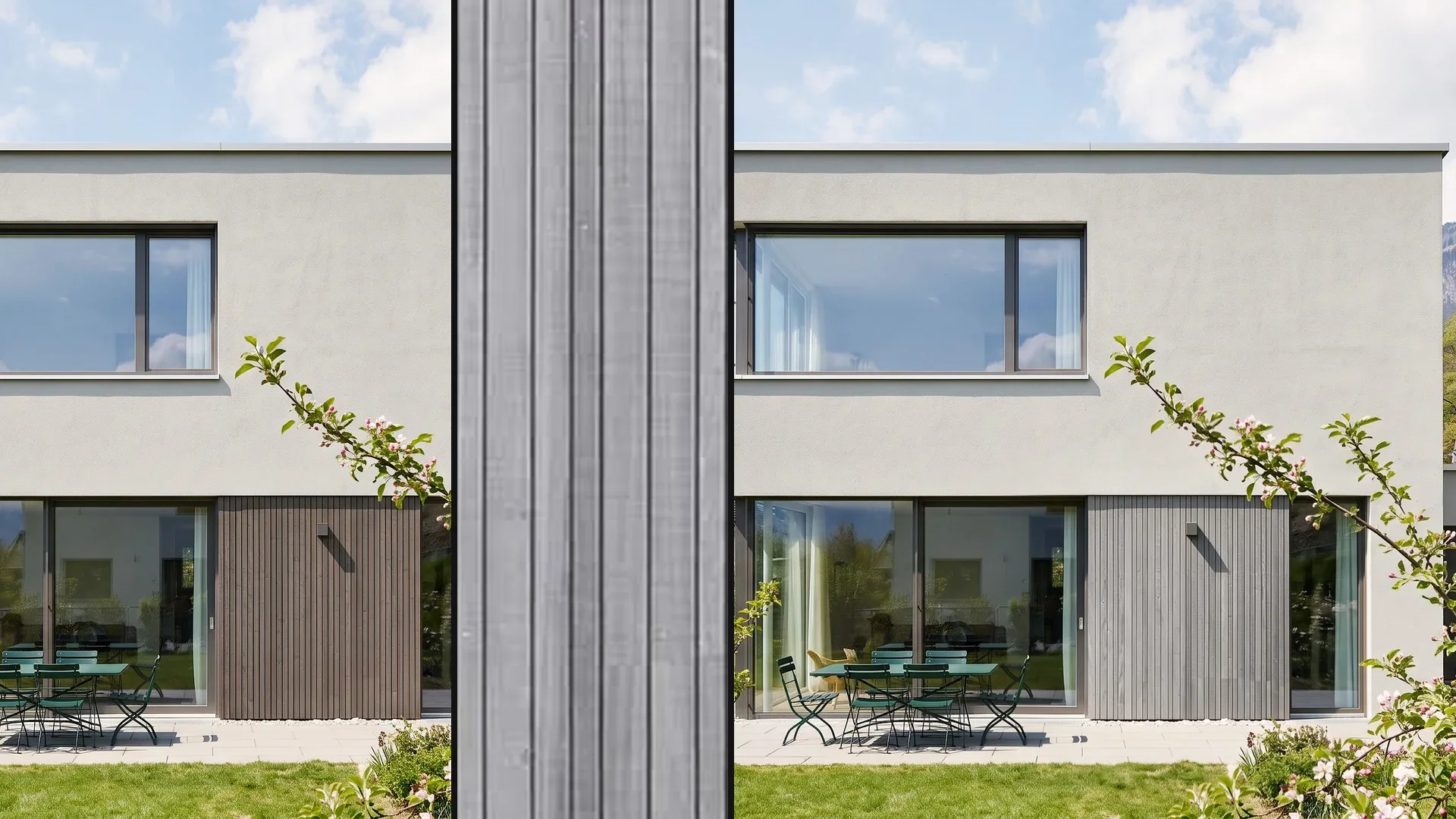
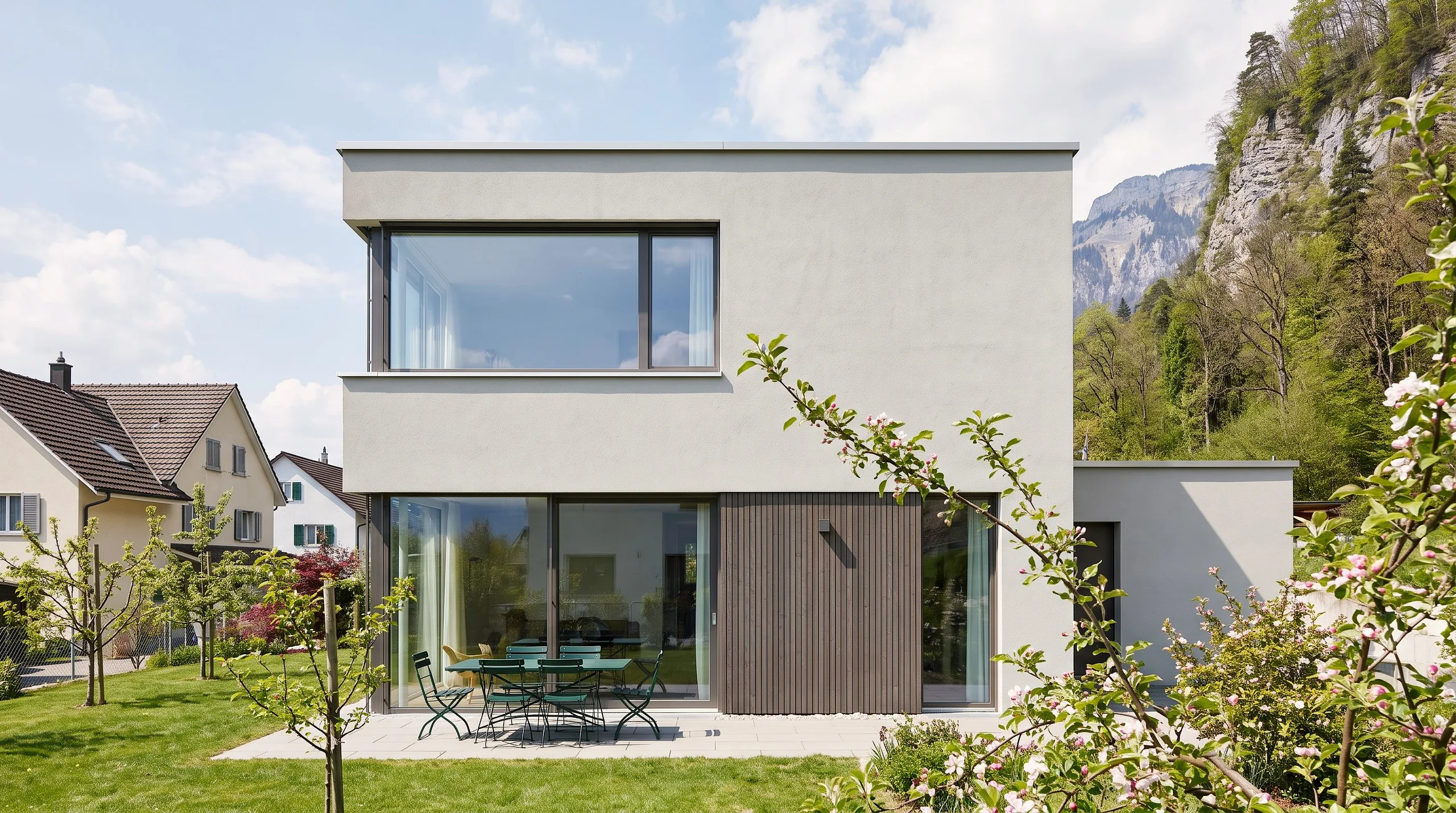
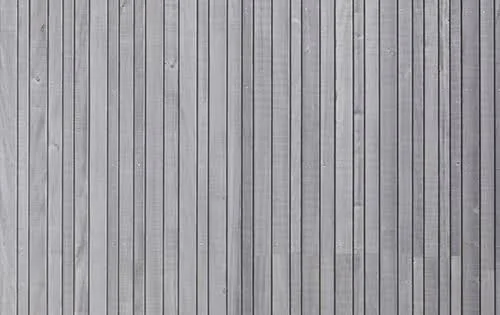
Input, reference and result.
Input, reference and result in full resolution. Click an image to open it full size.
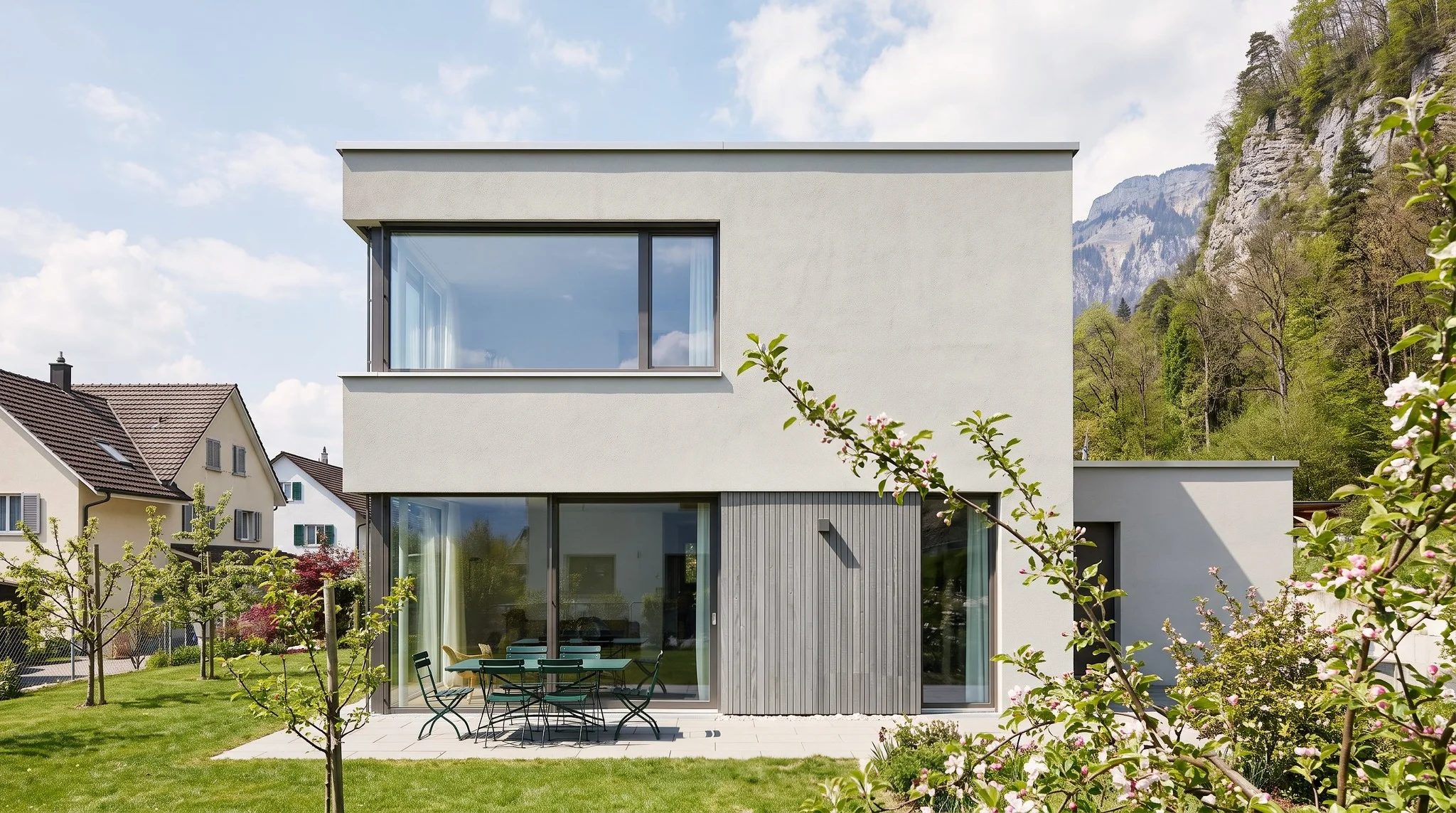
Prompt for mask an area.
Entered exactly like this. Copy it and adjust the location, house and material.
Timber cladding as in the reference.
Typed in the Edit area, Mask.
Tips for better results.
Only the masked area is regenerated.
Make further changes in a few steps. With each further edit, the quality can drop slightly.
TranscriptTranslated from the German voiceover. click a timestamp to start the video there
Questions about mask an area.
Open Edit, use Mask to drag a rectangle over the part that should change, and add a short description and a reference image of the material. Then click Generate.
Related videos and features.
The feature in detail and the next videos.
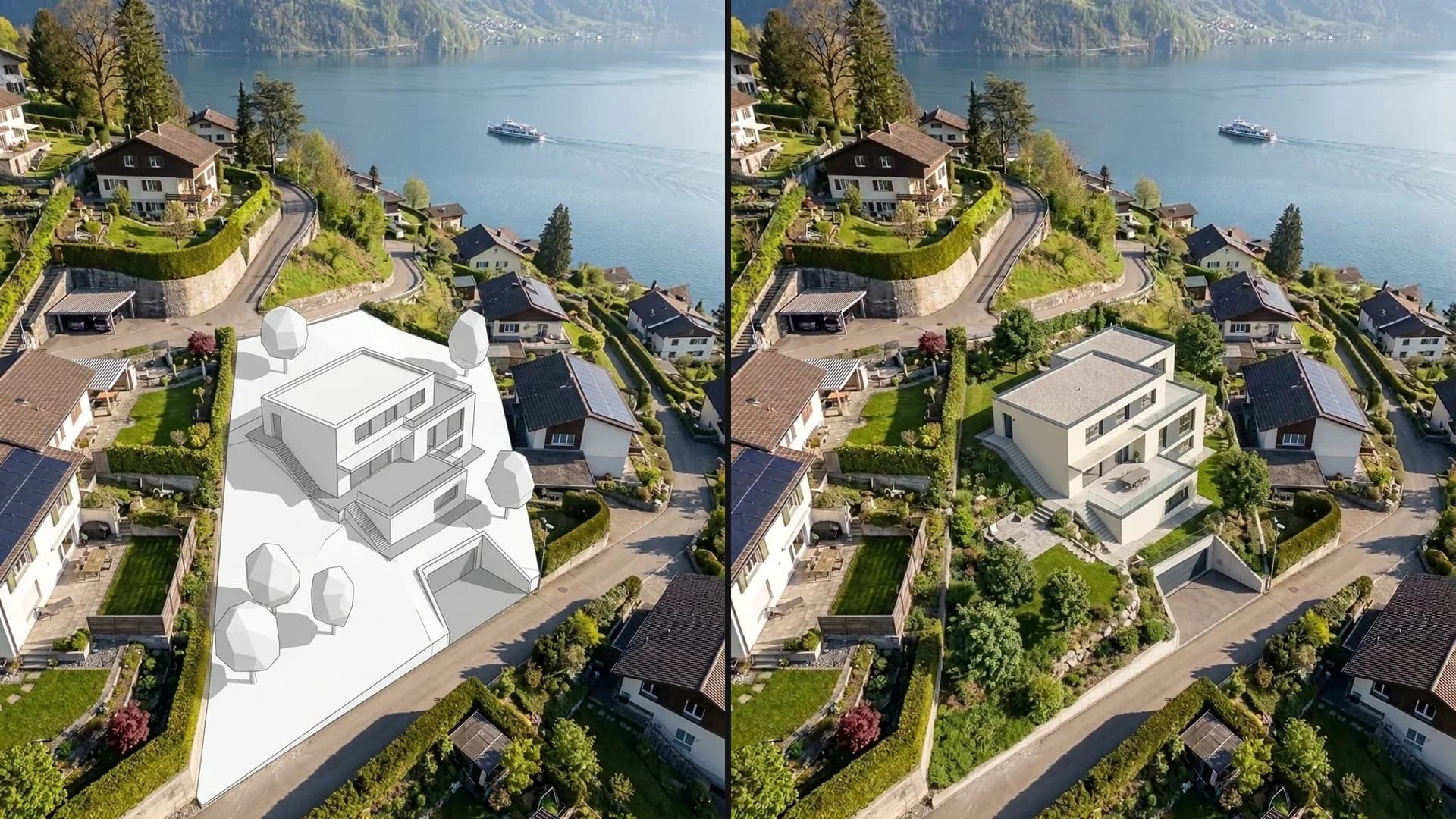
Place a new building in a photo
Turn a white massing block in a photo of the real surroundings into a finished house, while the surroundings and perspective stay the same.
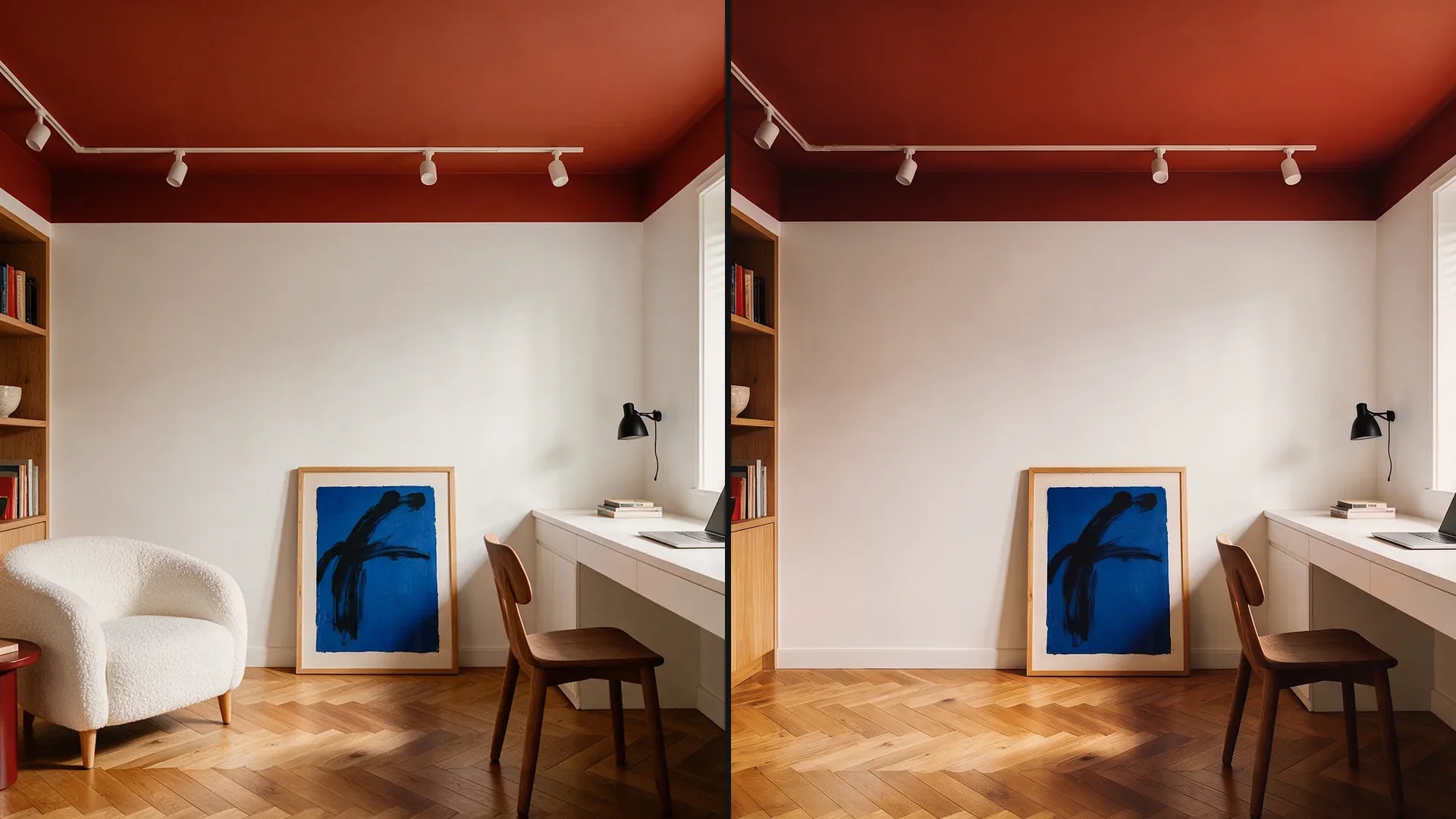
Remove objects from a photo
Remove objects from a photo: once with a short description, once without text using Edit and Remove.
Extend an image: adjustments with AI
Add to the edges of a tightly cropped image in the Extend area to show more of the surroundings.