
New in Vizera: Masking — change one detail, not the whole image
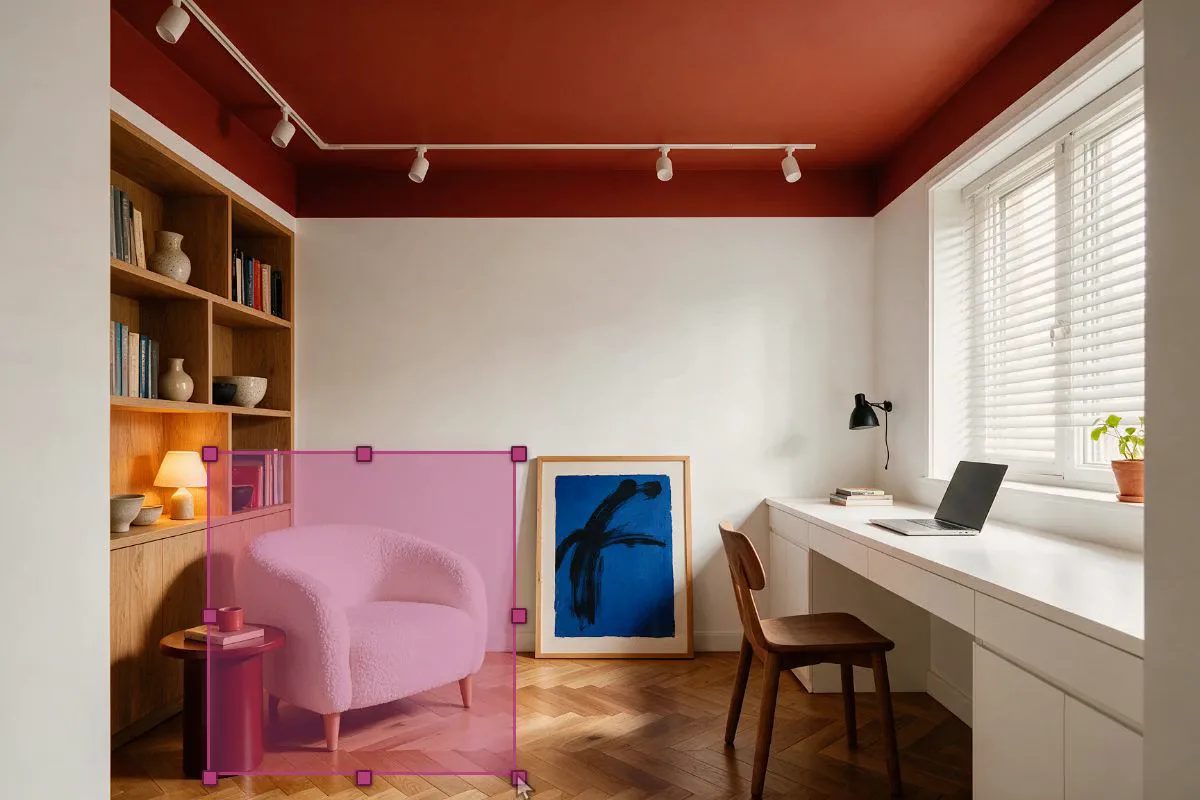
With the new masking you change exactly the marked area — furniture, materials, plants or people. Perspective, architecture and lighting stay untouched.
The image is done. The presentation is tomorrow. And the client wants a different armchair.
Until now that meant re-rendering — and hoping the rest would stay the same. With the new masking it means: mark the area, describe the change, done.
Masking changes only the area you mark. Perspective, architecture, light and every other part of the image are preserved exactly — even after several edits in a row.
How it works
- Choose a tool — Brush, rectangle, circle or polygon, to match the shape of the area.
- Mark the area — Facade, roof or surroundings. Roughly is enough: the edges are blended automatically when the change is applied.
- Apply a reference — a material or a mood as an image. Or simply describe the change in words.
A change takes a few seconds. You see the result directly in the image and can immediately re-describe the area if it is not right yet. You do not need a 3D model for this — masking works on the finished image, whether render, photo or screenshot.
Why quality no longer degrades
Anyone who has edited an AI image several times in a row knows the effect: each pass recomputes the entire image. Textures get softer, colours shift, details disappear. After five or six steps the image looks different in places nobody wanted to change.
Masking avoids this. Only the marked area is recomputed; everything outside it still comes from the original image. That is why image quality holds up even after many edits — and you can approach a result step by step instead of having to get everything right in one go.
Four examples from practice
Replace furniture
Armchair, table or lamp — the rest of the room stays untouched. The armchair is new; floor, light and the art on the wall stay as they are.
Swap materials
Wood instead of concrete, stone instead of plaster — the geometry stays exactly the same. Ideal for facade variants without rebuilding the scene.
Add elements
A plant, a lamp, a picture — exactly where it is missing. Mark the empty spot and describe what should be there.
Add people
People for scale and life — at exactly the marked spot. Interiors in particular start to feel lived-in rather than staged.
All four examples run as live demos on the new feature page: masking in detail.
Where masking reaches its limits
Very small details, highly reflective surfaces and transparent materials such as glass remain demanding — especially when a change would have to repeat in a reflection. In those cases a fresh generation gets you there faster.
Close-up faces are tricky too. For people in the image, medium and longer distances work far more reliably — which is usually the better choice for scale and atmosphere anyway.
Try it now
Masking is available now for all Vizera accounts. New accounts start with 200 free credits — no credit card, no installation. Try it now or see the feature page first.
Enjoyed this article?
Share it with your network and help others discover Vizera AI.
Read More ArticlesRelated Articles
Read More Articles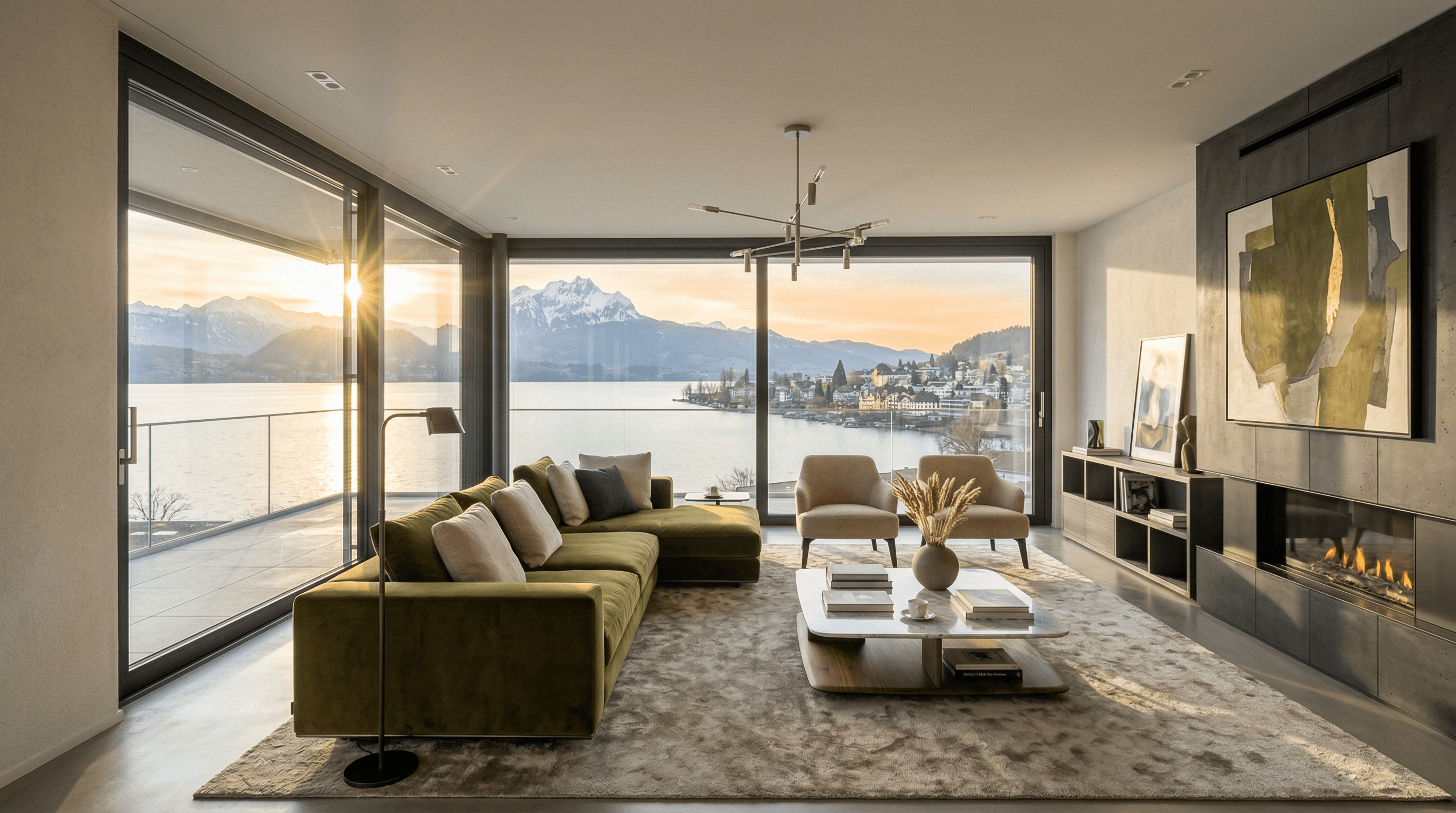
Banana Nano 2 Now on Vizera AI – How We Use Google's New Image Model
Vizera AI is among the first platforms to integrate Google's latest image model Banana Nano 2. Even more precise architecture visualizations, 4K resolution and real-time rendering – made in Switzerland.
Merry Christmas
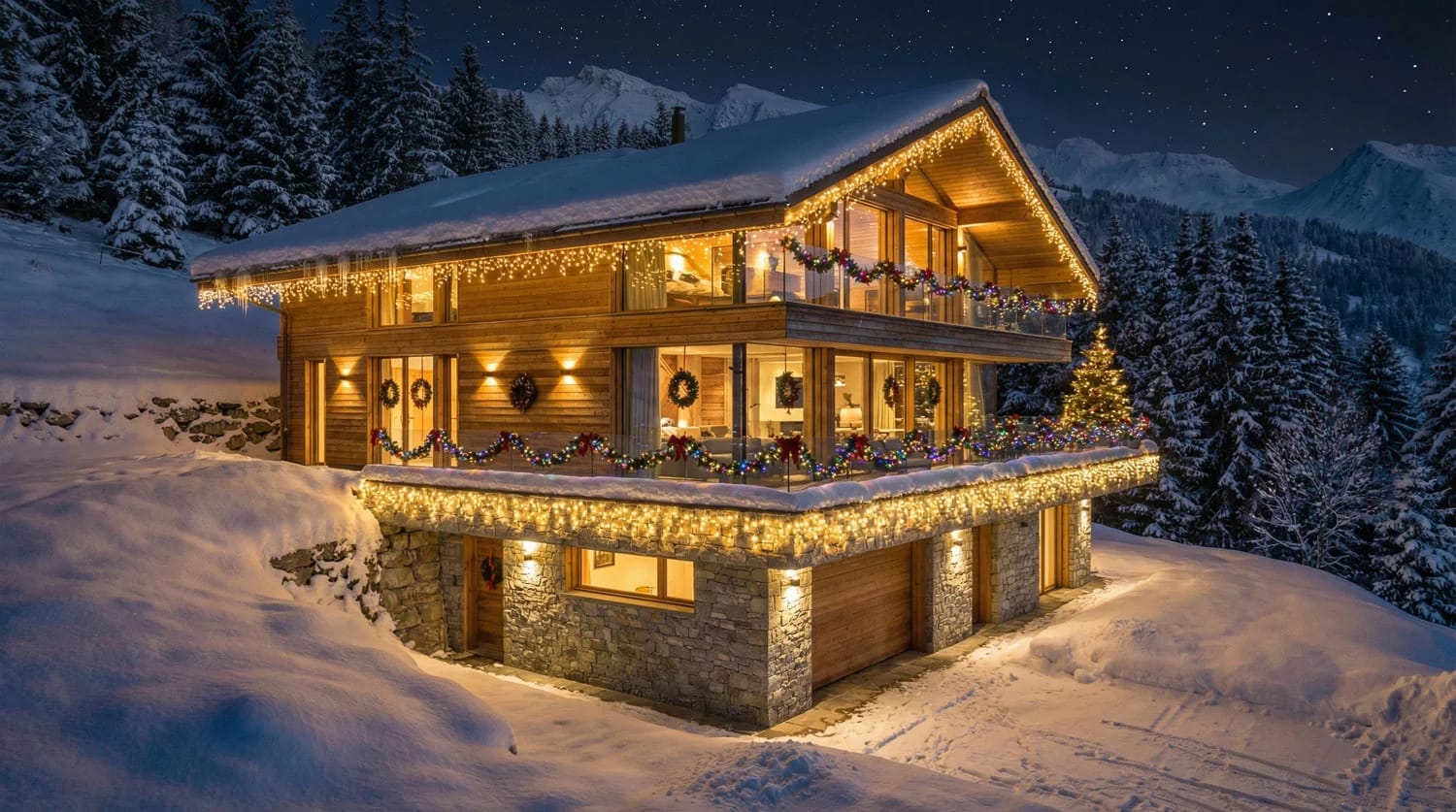
Merry Christmas and best wishes for the new year 2026. As a thank you, all new users who register by December 31, 2025, and complete a plan will automatically receive double credits. Start the new year optimally with vizera.ai.
OpenAI Image Model 1.5 – Strong in Quality, but with Clear Limits for Architecture
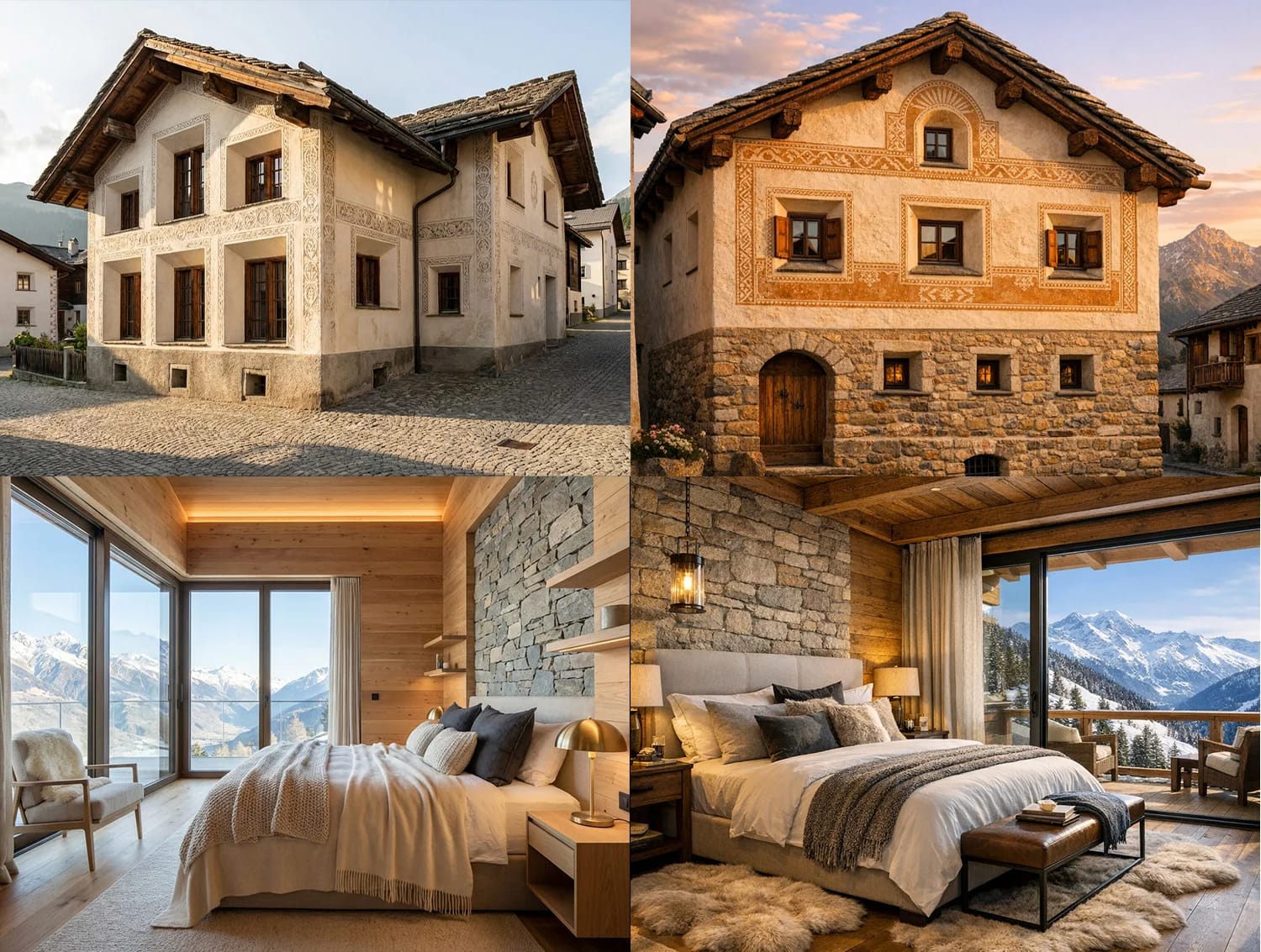
OpenAI Image Model 1.5 impresses with good image quality and significant advancements. However, there are clear limitations for professional architectural visualizations regarding aspect ratios, resolution, and generation speed. Currently, other AI models remain the better choice for architectural workflows.